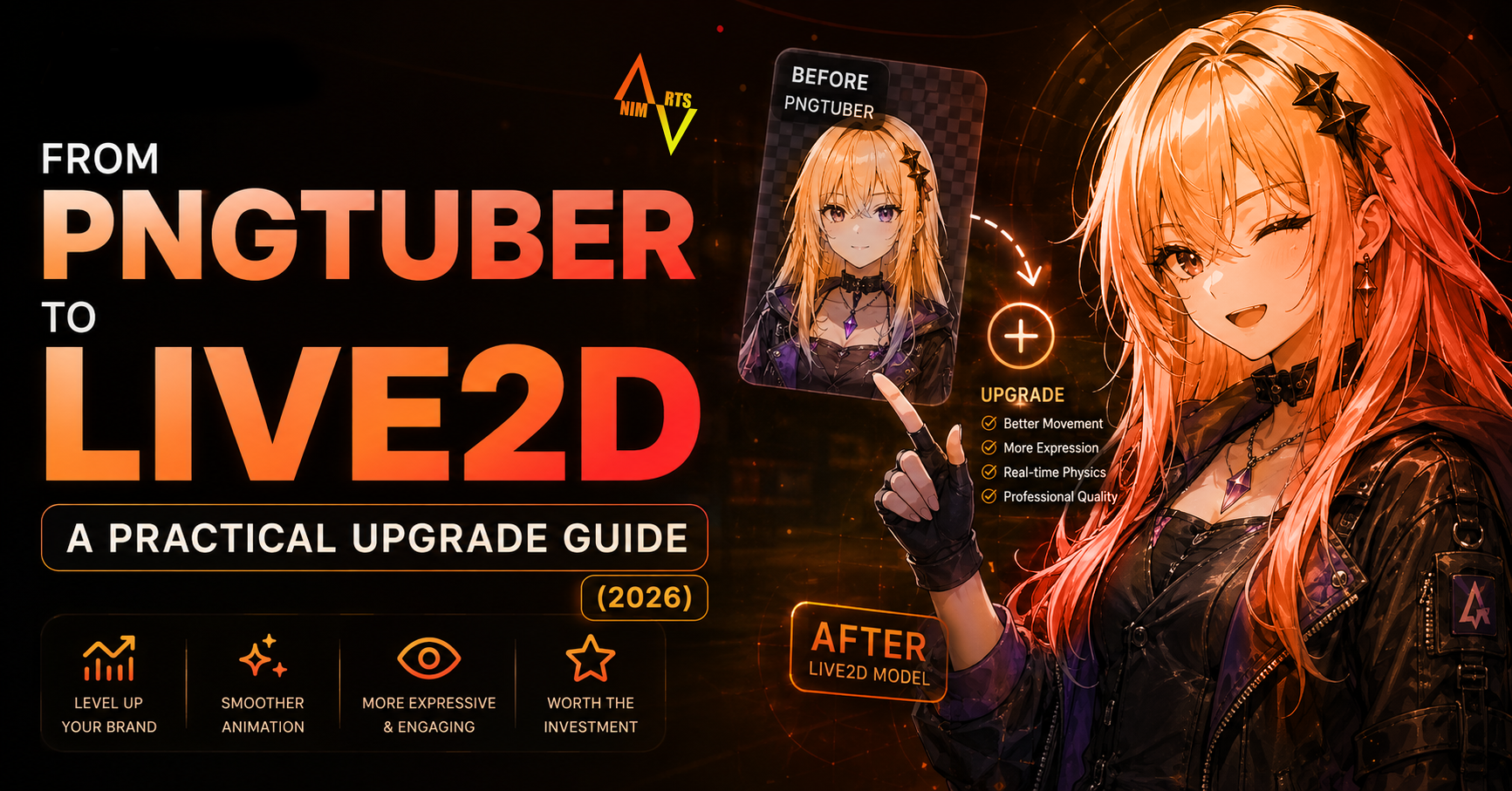
You've been PNGTuber for months and your audience is growing. Here's how to upgrade to Live2D without losing your existing brand identity, with realistic costs and a 4-week timeline.
You started PNGTuber to test the waters. Six months in, you've got 200 followers, 50 regular viewers, and a brand identity people recognise. Now you're thinking "should I upgrade to Live2D?"
If you're streaming 5+ hours/week and getting any kind of monetisation, the answer is yes — but the HOW matters. Done right, your audience won't feel jarred. Done wrong, you'll lose the recognisability you built.
Step 1: Audit your existing PNGTuber art
Open your PNGTuber files. Check:
- Are layers separated? (head / body / arms / hair as distinct PSD layers)
- Are eyes / mouth on their own layers?
- Resolution: at least 2000×2000 pixels for the character
- Color profile: sRGB (not CMYK)
If your PNGTuber was a flattened JPG → you'll need new art. Add $80-200 to your budget.
If your PNGTuber was a PSD with proper layering → 60-70% of the prep work is done. Most riggers can work directly from this with $100-200 in prep adjustment.
Step 2: Decide on rig depth
You don't have to jump to "Premium full body Live2D" immediately. Two intermediate options:
Option A: PNGTuber Plus / Lite Live2D ($50-120)
Mouth tracking + 2-3 expression toggles + body sway. Looks 70% more alive than PNGTuber for 25% the cost of full Live2D. Good if you want to test "does my audience like this format?" before committing.
Option B: Standard Live2D ($150-400)
Full ARKit face tracking + half-body + hair physics + 5-8 expressions. The "real" upgrade. This is what most successful indie VTubers run.
Option C: Premium Live2D ($500-1,200)
Full body, hand tracking, multiple outfits, particle effects. Reserved for VTubers planning agency signing or full-time content output.
Step 3: Keep brand consistency
The biggest mistake in PNGTuber → Live2D upgrades: getting NEW art that doesn't match the old vibe. Your audience recognises your character. If the Live2D version has subtly different eye shape, hair color, or body proportions, you'll lose recognisability.
Three rules:
- Same artist if possible (or ask new artist to color-match precisely)
- Show the artist 5-10 examples of your existing PNGTuber across different expressions BEFORE they start
- Approve the line art stage carefully — fixing proportions later costs more
Step 4: Manage the transition stream
When your Live2D arrives, don't just suddenly appear different on stream. Hype it:
- Tweet a teaser image / blurred screenshot 1 week before
- Plan a "VTuber debut" stream for the reveal
- Have a dramatic "before/after" moment in the first 5 minutes
- Keep the PNGTuber as backup for when Live2D crashes mid-stream (it WILL eventually crash)
Step 5: Set up VTube Studio properly
Most upgrade frustrations come from "the Live2D rig works but tracking is bad." Common fixes:
- Use iPhone (ARKit) not webcam — quality difference is massive (covered in our ARKit guide)
- Calibrate sensitivity per parameter (not the global slider)
- Smoothing: 0.3-0.5 for natural motion, higher = sluggish
- Save 3 calibration profiles: relaxed (chatting), animated (gaming), focused (concentrated content)
Realistic 4-week upgrade timeline
| Week | What happens |
|---|---|
| Week 1 | Pick rigger, send PSD + reference, pay 50% deposit |
| Week 2 | Rigger does base rig, sends mid-progress video |
| Week 2-3 | You request 1-2 revisions on physics / expressions |
| Week 3-4 | Final rig delivered, you set up VTube Studio |
| Week 4 | Debut stream |
Cost summary
| Item | Cost |
|---|---|
| Live2D rigging (Standard tier) | $150-400 |
| Art prep (if needed) | $0-200 |
| VTube Studio iPhone app | $10 (one-time) |
| Used iPhone X (if you don't have one) | $80-150 |
| Phone tripod / mount | $15-30 |
| Total realistic upgrade | $255-790 |
What AnimArts offers
We do PNGTuber → Live2D upgrades regularly. We can:
- Adapt your existing PNGTuber art (saves rework cost)
- Match your established brand identity precisely
- Deliver in 2-3 weeks (Standard) or 4-5 weeks (Premium)
- Include 1-on-1 VTube Studio setup support after delivery
See Live2D pricing → · Get a personalised upgrade quote →
Ready to Get Started?
Get a personalized quote for your project. We respond within 24 hours.